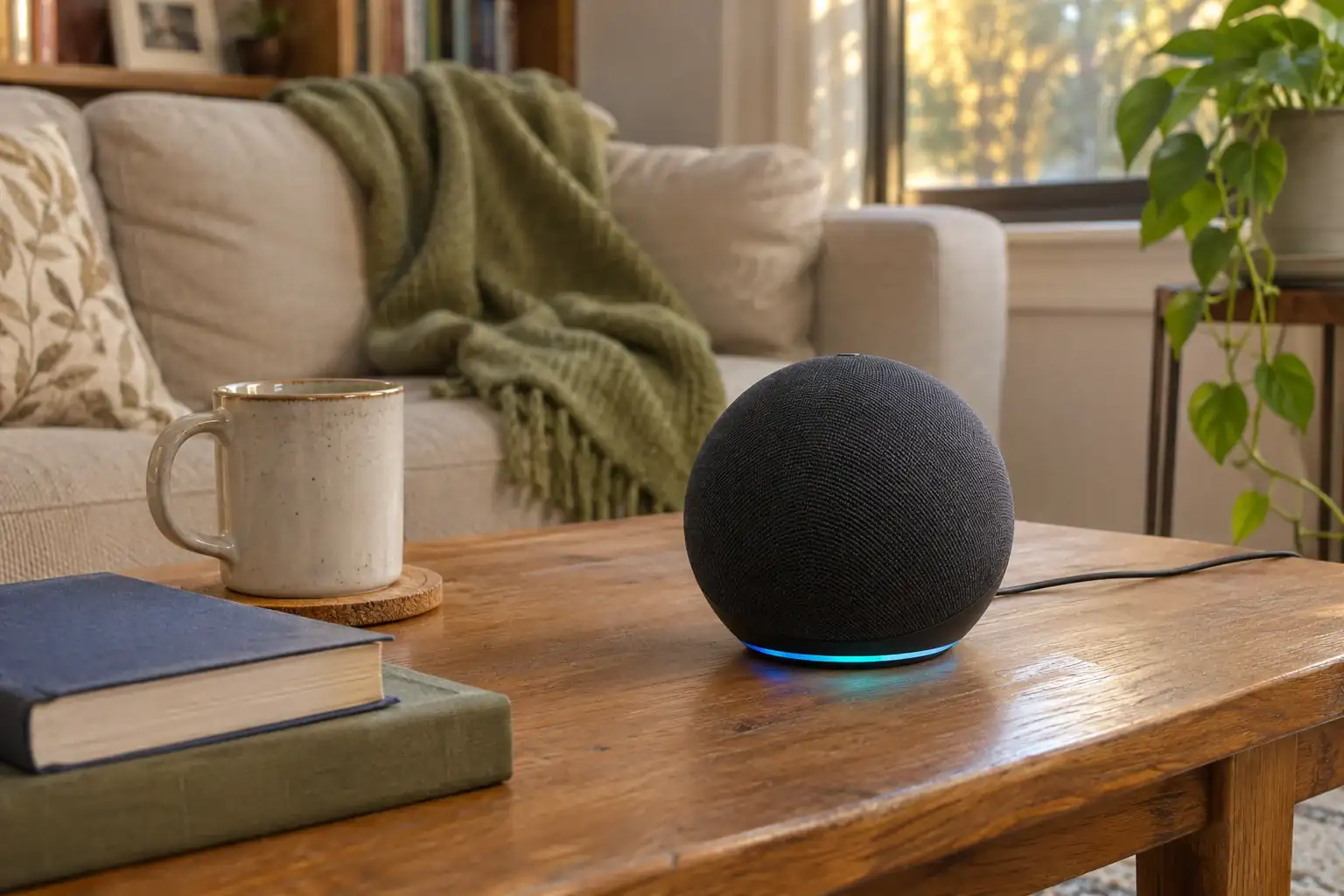
Open the village’s skill link. Residents would sign in to Amazon if needed, then enable the Municiply skill.
Use an Amazon account with an Echo or the Alexa mobile app on a supported phone.
02 / MAKE IT LOCAL
Their town. Remembered.
Residents confirm their municipality once. The planned experience remembers that choice for the next question.
One shared Municiply skill. Information from the right community.
03 / THE RIGHT PICKUP DAYS
A local answer. For their street.
For collection questions, residents also choose their service area. Answers would use that zone’s official calendar and any holiday changes published by the village.
Shown when the town enables collection schedules.
9:41▮▮▮ ▰
‹Alexa skill preview⌕
Municiply
Your town. A question away.
LOCAL INFORMATION
Events, collection days, and useful town updates—just ask.
ILLUSTRATIVE OPENING
“Alexa, open Municiply.”
Illustrative skill listing Working skill name · Not available to enable.
✓
LET’S MAKE THIS LOCAL
Which town is yours?
Confirm the community you’d like to hear from.
Village of LindenhurstNew York
✓
✓
Remember this town for my next question.
Example town · Setup preview
✓
ONE MORE LOCAL DETAIL
The right days. For your area.
Choose the collection area that serves your home.
North of the LIRR
South of the LIRR✓
Not sure? Your town’s collection map would help you find your area.
An Echo or the Alexa app. No separate Municiply app.
Setup demonstration · Does not enable an Alexa skillScroll to continue ↓
Planned feature · Siri
ON YOUR IPHONE
A familiar voice. A more local answer.
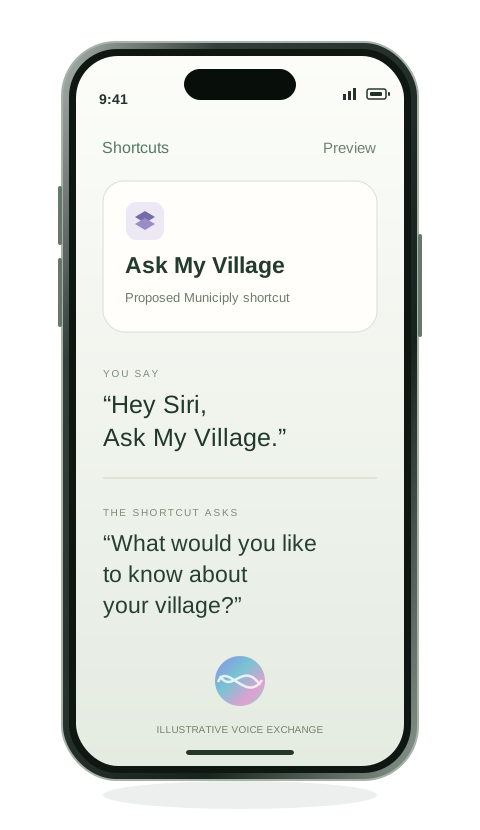
Add a ready-made shortcut to Apple Shortcuts. Then ask Siri by its name. There’s no separate Municiply app to download.
01
Open your village’s link.
Use the shortcut link on your iPhone.
02
Add it to Apple Shortcuts.
Review the ready-made shortcut, then add it.
03
Confirm your local details.
Complete any village or collection-zone setup.
04
Ask Siri by the shortcut’s name.
For example: “Hey Siri, Ask My Village.” Then say your question when prompted.
Illustrative name and flow. No shortcut is available to install yet.
Illustrative iPhone experience · Not a live shortcut
Thinking about HomePod?
HomePod would need additional setup and compatibility testing. This iPhone shortcut preview does not confirm HomePod support.
Planned
ANOTHER WAY TO STAY CONNECTED
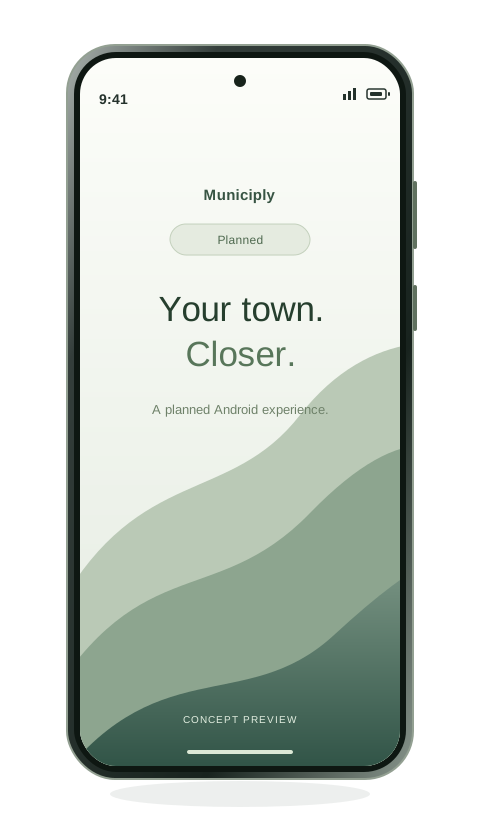
Android access is coming soon.
We’re planning an Android experience to bring your village’s information closer to the phone you already use.
More details will follow as the experience takes shape.
Android concept preview
THE EVERYDAY QUESTIONS. A LITTLE EASIER.
Then, just ask.
Intended questions for voice access, using information your municipality provides and maintains.
EXPLORE AN EVERYDAY QUESTION
Planned capabilities. Available topics depend on what your village shares.
A RESIDENT ASKS
“When can I put my garbage cans out?”
HOW YOUR VILLAGE WOULD HELP
The intended answer would use your collection zone, the village’s official set-out rules, and any published holiday changes.
Collection zone + official collection calendar
Question examples only. No live schedules are connected in this preview. If the village has not provided current information, the experience should say so and direct residents to the village.
THAT’S WHAT THE CONVENIENCE IS FOR.
A quick answer. Back to their day.
Help, close to home.
A useful answer while making breakfast, gathering the recycling, or planning the weekend.
Room for your people.
Another place for routine questions to find an answer. More room for the conversations that need a person.
YOUR TOWN. YOUR SAY.
You choose what’s shared.
Choose the public information residents can hear. Keep using the calendars and approved sources your team already maintains. Categories would be opt-in, with the option to turn sharing off.
✓
Public information only. Internal-only items, drafts, private notes, and employee information would stay out of voice answers.
A preview of your town’s controls. Try the switches; nothing is connected or saved.
A branded setup page gives residents one place to begin. Share its link on your website, in a social post, or in your next community email.
Town websiteSocial mediaEmail & print
One familiar starting point for residents, with setup choices for the devices they use.
A FEW THINGS TO KNOW
The practical details.
Is voice access available yet?+
Alexa and Siri access are planned features. Android access is coming soon. This page is a design preview; no skill or shortcut can be installed here yet.
Do residents need a separate Municiply app?+
No separate Municiply app is planned for these Alexa and Siri experiences. Alexa would use an Echo or the Alexa mobile app on a supported phone. Siri would use a ready-made shortcut added to Apple Shortcuts on iPhone.
How would residents get started?+
Your village would share its skill or shortcut link. Residents would enable the Alexa skill through Amazon, or add the Siri shortcut to Apple Shortcuts. Any required village and collection-zone setup would follow. All names and setup screens shown here are illustrative.
How would pickup and holiday questions work?+
Residents would confirm their collection zone when required. Answers must use that zone’s official collection schedule and the municipality’s published holiday changes and set-out rules. A general village schedule is not enough when collection varies by neighborhood.
Where would answers come from?+
From public information the municipality provides, approves, and maintains, such as collection calendars, event listings, meeting notices, and office hours. Available topics depend on the information each town shares.
What if information is missing or out of date?+
The experience should explain that a current answer is unavailable and point residents to the village for confirmation. It should not fill in missing details or invent a schedule.
Will the Siri shortcut work on HomePod?+
HomePod would require additional setup and compatibility testing. The proposed iPhone shortcut is not a confirmation of HomePod support.
What is planned for Android?+
A future Android experience is being explored. This preview does not include an installation flow or a confirmed launch date.
FOR YOUR TEAM. FOR YOUR NEIGHBORS. FOR YOUR TOWN.
A little more connected. A little less to remember.
Bring your town’s information a little closer to the people who need it.