Municipal communications
in one connected package.
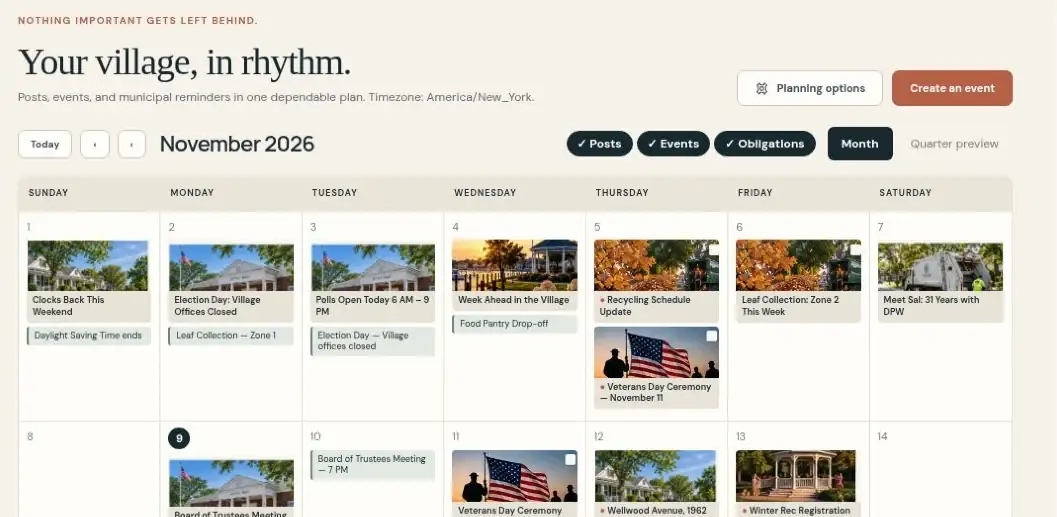
The calendar. The photographs. The update that needs to go out. Bring your community communication together, with your people in control.
One package for social communication, community content, reporting, and planned voice access.
be part of them.
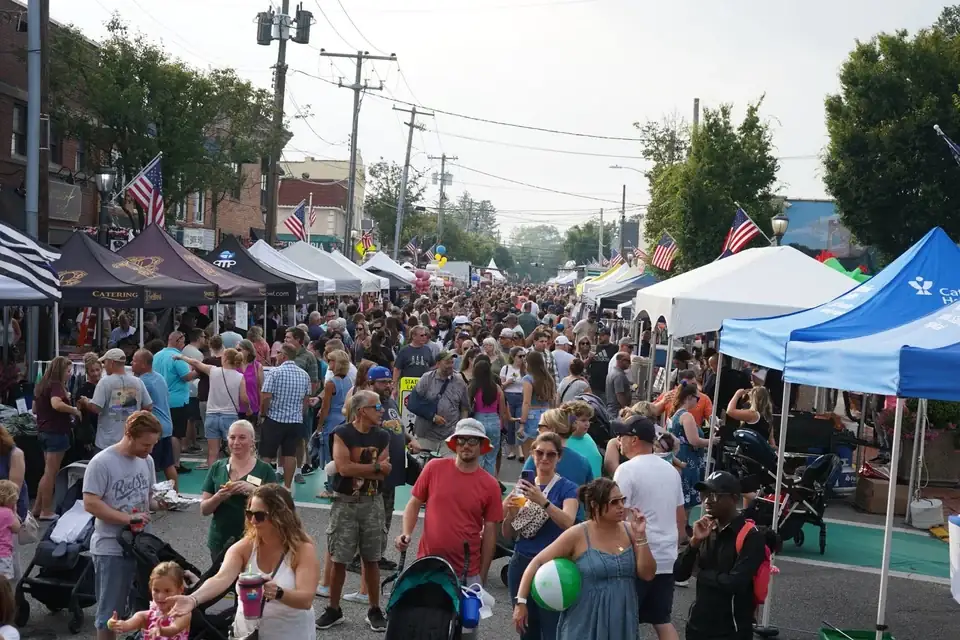
Street fair photography: Lindenhurst Chamber. Reference photography, not a customer endorsement. Photography & sources
A place for the work.
Room for your judgment.
Start with the information your community already has. Prepare the update, see it in the calendar, and give it the review it deserves.
- 01
Start with what’s local.
Your events, service notices, and photographs give the draft its starting point.
- 02
Make it yours. Then approve.
Staff checks the facts, edits the wording, and approves what is ready to share.
- 03
Publish. Keep the record. Learn.
Schedule to supported, connected channels, capture what Municiply publishes, and review the month.
The pieces belong together.
So does the package.
Explore the parts of Community Connect. Planned capabilities are labeled clearly and join the package as they become available.
LocalLens
Find a photograph that belongs with the message. Keep familiar places and your community’s own character in the picture.
Explore LocalLens ↗ 02 / RESIDENT CONTRIBUTIONSCommunity Content
Give residents a way to contribute photographs. Your staff reviews submissions and their permission records before use.
Explore community content ↗ 03 / NEIGHBORHOOD CONNECTIONNextdoor Planned
Bring useful village updates closer to the neighborhood conversation. Direct publishing is planned.
Explore Nextdoor ↗ 04 / A RECORD OF THE WORKSocial Archiving
Search and export captured posts published through Municiply. Capture does not cover every comment or change made directly on a platform.
Explore social archiving ↗ 05 / EVERYDAY ACCESSVoice Access Planned
A planned way to ask for community information through Alexa and Siri, with Android access also planned. Part of Community Connect.
Explore voice access ↗ 06 / A CLEARER MONTHLY VIEWReporting
Bring publication activity, approval turnaround, and archive capture into one monthly view. Platform metrics depend on connected channels and available data.
Explore reporting ↗Facebook publishing requires setup and platform approvals. Instagram is in development; Google Business Profile, Nextdoor, and voice access are planned. Resident submissions need configuration. See the complete availability table →
Helpful preparation.
Human approval.
A draft is a starting point. Authorized staff decides what is ready. Changing approved wording sends it back for review, so the published message stays connected to the decision behind it.
Roles, approval records, and clear publishing status help your team see who did what and what happened next.
Explore Trust & Security →A strong starting point.
More help when you need it.
Virtual Agents
Help residents find answers from the municipal sources your team maintains. Available on its own or alongside Community Connect.
Explore Virtual Agents ↗SEPARATE SERVICEMunicipal Websites
Design, development, and ongoing website care, shaped around your residents and staff. Scoped separately from Community Connect.
Explore Municipal Websites ↗A little more connected.
A little less to carry.
See how Community Connect could fit the everyday work of your municipality.